
Your MAVA Command Center
Start your B2B loyalty and AI onboarding — explore capabilities, compare plans, and talk to sales. Authenticated dashboard access and entitlement state are available after sign-in.
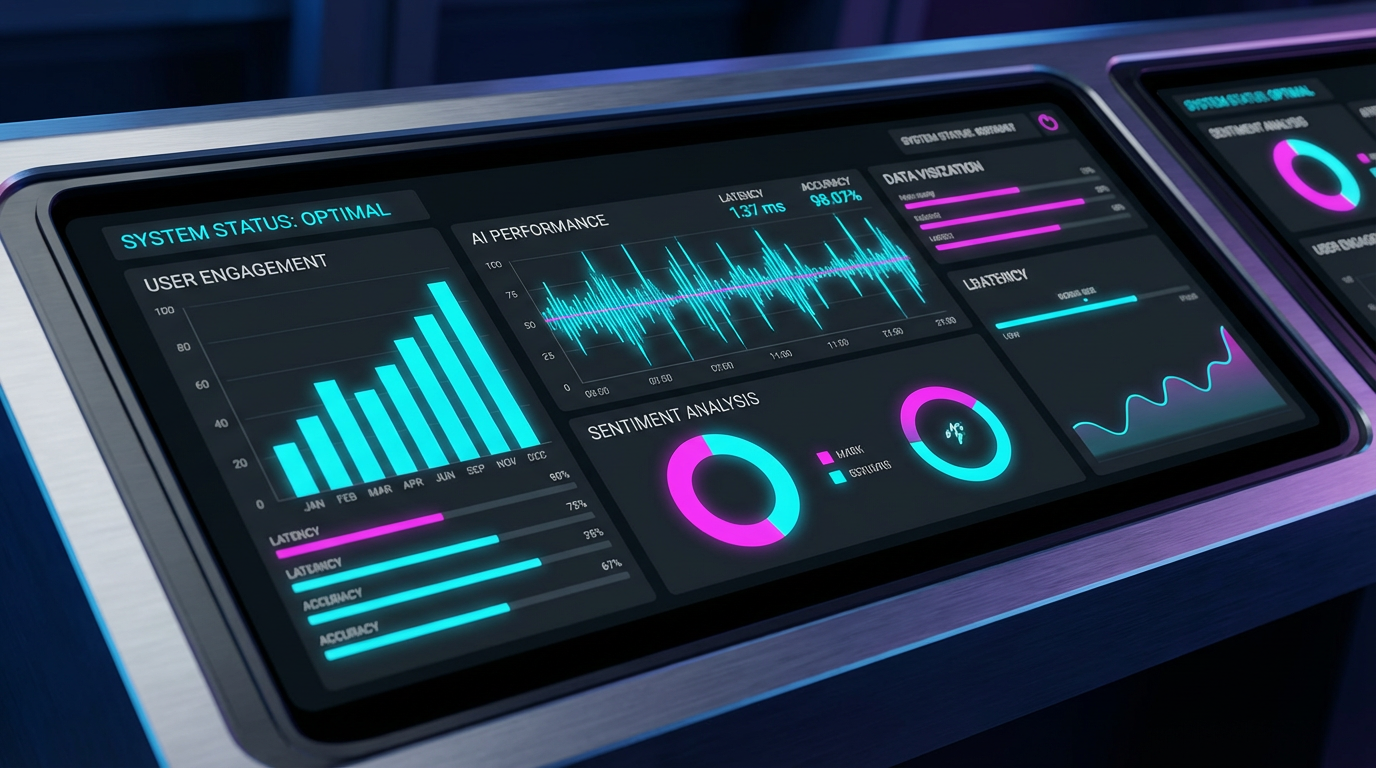
Overview
See how your AI is performing with real-time stats and insights.
Apps
Manage and customize your AI agents (like LitsGO).
Settings
Configure your account and preferences.
Integrations
Connect your existing tools and platforms.
Management
Handle users, access, and operations.
Get Started: Shape Your AI's Story in Minutes
Get Started is the first step to turning your AI into a guided, story-driven experience. It's where you define how your AI teaches, guides, and engages users.

Choose your subject
Pick the domain (Math, Science, Language Arts, etc.) your AI will focus on. This sets the foundation for the learning path.
Build your 12-phase journey
Each phase is a step in the learning path. You define:
- Source of Truth
The core facts and rules your AI teaches.
- Common Mistakes
Typical errors so your AI can help users avoid them.
- Success Logic
Clear rules for when users move to the next phase.
- Narrative Context
The story and scenario that make each phase engaging.


Submit for review
Once your phases are set, submit your Narrative Template. An expert will review your submission to ensure it's ready for deployment. You'll receive an email with the approval status within 2–7 business days.
Go to Dashboard